
How it works
From first tap to lasting impact.
Shareity has two sides: the dashboard, where brands and causes build campaigns, and the web app, where people take the challenge. Here's how each one works.
The big picture
Snap. Raise. Share.
- 01
Snap
Someone taps your challenge link or texts a keyword, then snaps a photo or video. No app to download.
- 02
Raise
Your brand stars in a 10‑second GLAD™ animation and donates to the cause for every person who takes part.
- 03
Share
They pass the challenge to friends and family. Every new person raises more money, and the campaign keeps spreading.
For brands and causes
Run your campaign from the Shareity Dashboard™.
Everything you need to launch, promote and measure a challenge, in one place.
Request an intro- 1
Set up your account
Change your password, link the cause you're supporting, and create your first campaign.
- 2
Buy credits
Choose how many credits you need, then pay with the payment processor that suits you.
- 3
Create your challenge
Keep it simple, short and fun. Shoot it vertically, and be specific about what you're asking people to do.
- 4
Promote it everywhere
Create a challenge link and a text keyword on 797979, then share both across every channel your audience uses.
- 5
Track and manage
Follow real‑time analytics on your campaign dashboard and manage every challenge from one screen.
For participants
Take the challenge in your browser.
Accept a challenge
Tap to accept, snap your photo or video, and share it with friends to raise even more.
Track your impact
See how many people viewed your challenge, who you inspired to join, and your personal SWAY score.
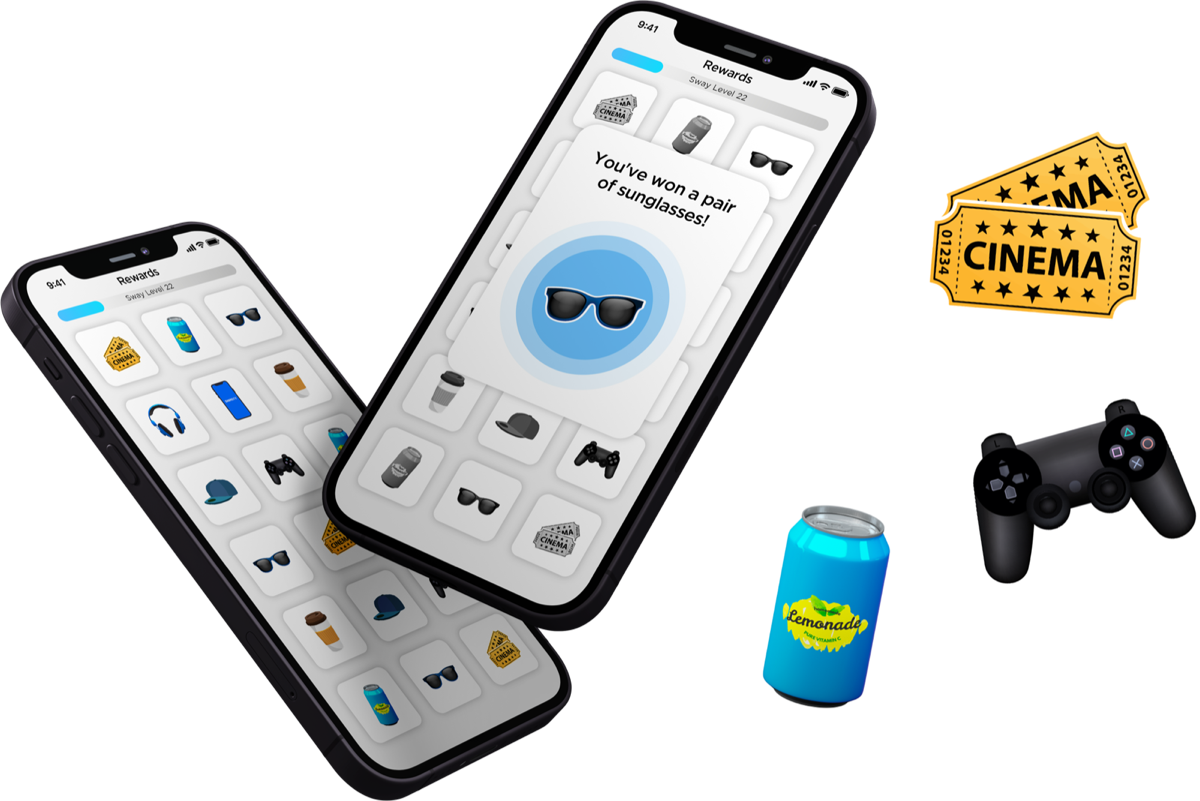
Earn rewards
Get gift cards, coupons and merchandise from the brands you helped.
Ready to launch your first challenge?
We'll walk you through setup and help you plan a campaign that spreads.